 axleton.com


Every piece.
Every step.
In 3D.
Pick an official Technic set, open the box, and assemble it piece by piece in your browser. You drag the real parts into place while the real building instructions sit beside the model.

Live 3D is switched off in this browser, so this is a recording.With 3D the car is built live, turns to your pointer and opens its doors on the way down. Switch on hardware acceleration, then try again.
Like the box,
without the box
Axleton follows the same rhythm as a real Technic build: bags, steps, part callouts. The only thing missing is the hunt for the piece that rolled under the sofa.
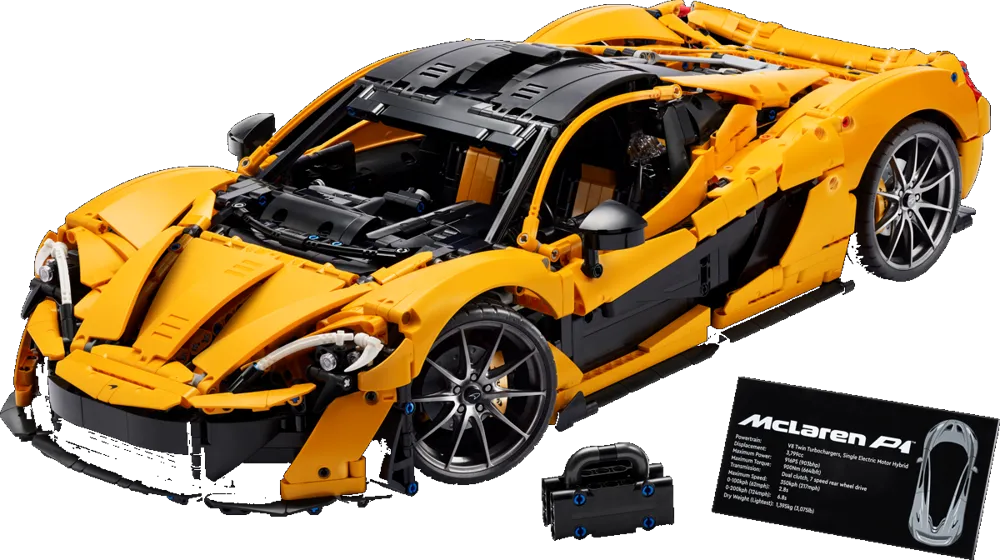
Choose a model
Browse the Technic line-up by category — supercars, F1, machines, air & space — and open one that's ready to build.
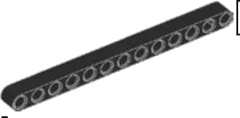


Find the right piece
Each step shows a part callout, just like the manual. Pick the right element from the tray — the wrong ones look very similar.
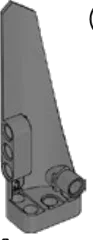
Drag, drop, snap
Drag the part onto the glowing outline and it clicks into place — the same shape you picked from the tray, panel holes and all.
Take it for a spin
Finish the last step and the showroom opens. Spin the wheels, steer, light it up and open the doors.
Eleven cars
and a bike
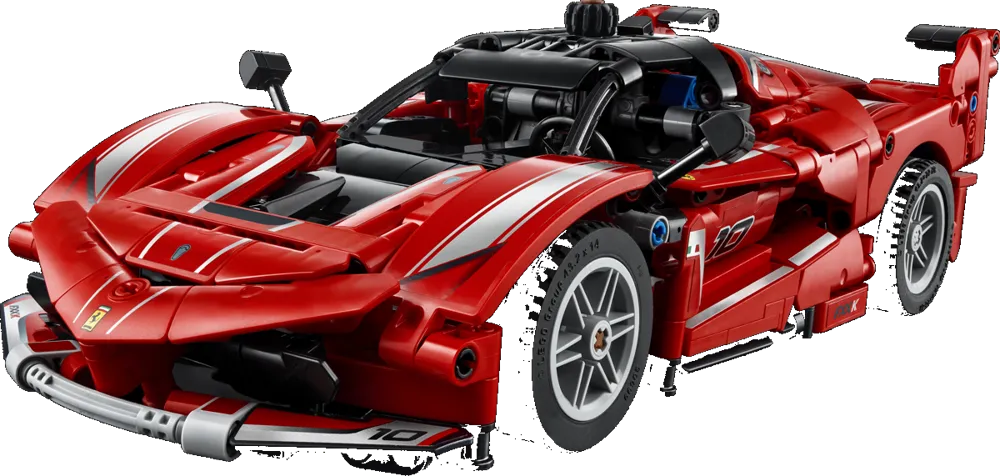
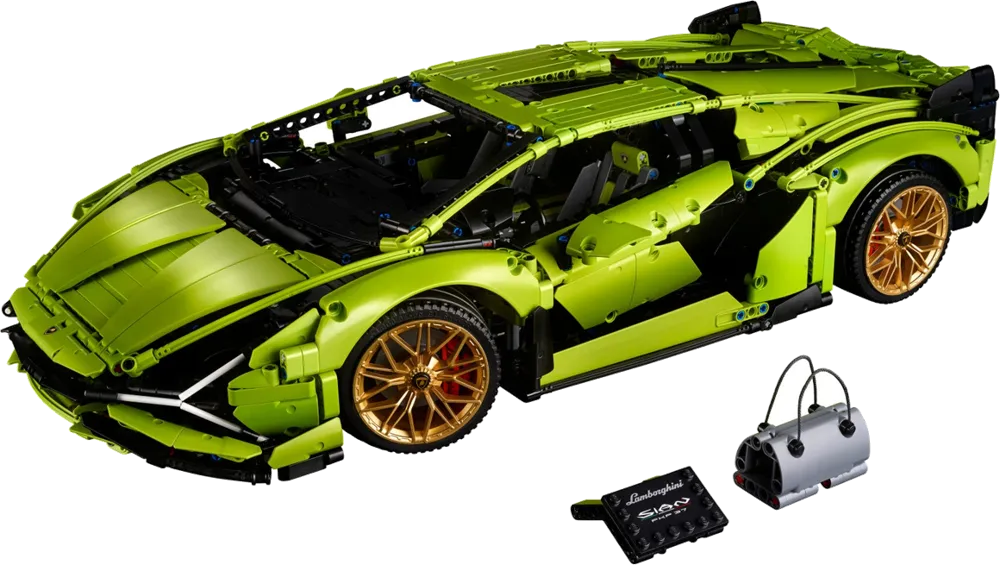
The Lamborghini Sián FKP 37, the Koenigsegg Sadair's Spear, the McLaren P1™, the Jesko Absolut, the Ferrari FXX K, the Ferrari 488 Pista, the BMW M4 GT3 EVO, the 1966 Ford GT40 MKII, the Batmobile™ Tumbler and the Ducati Desmo450 MX ship with their complete printed instructions and full parts lists. Build several at once — every car keeps its own progress and save points.
Built around
the real manual
Four things you only get in the portal. Keep scrolling — each one opens on the right, the way it looks while you build.
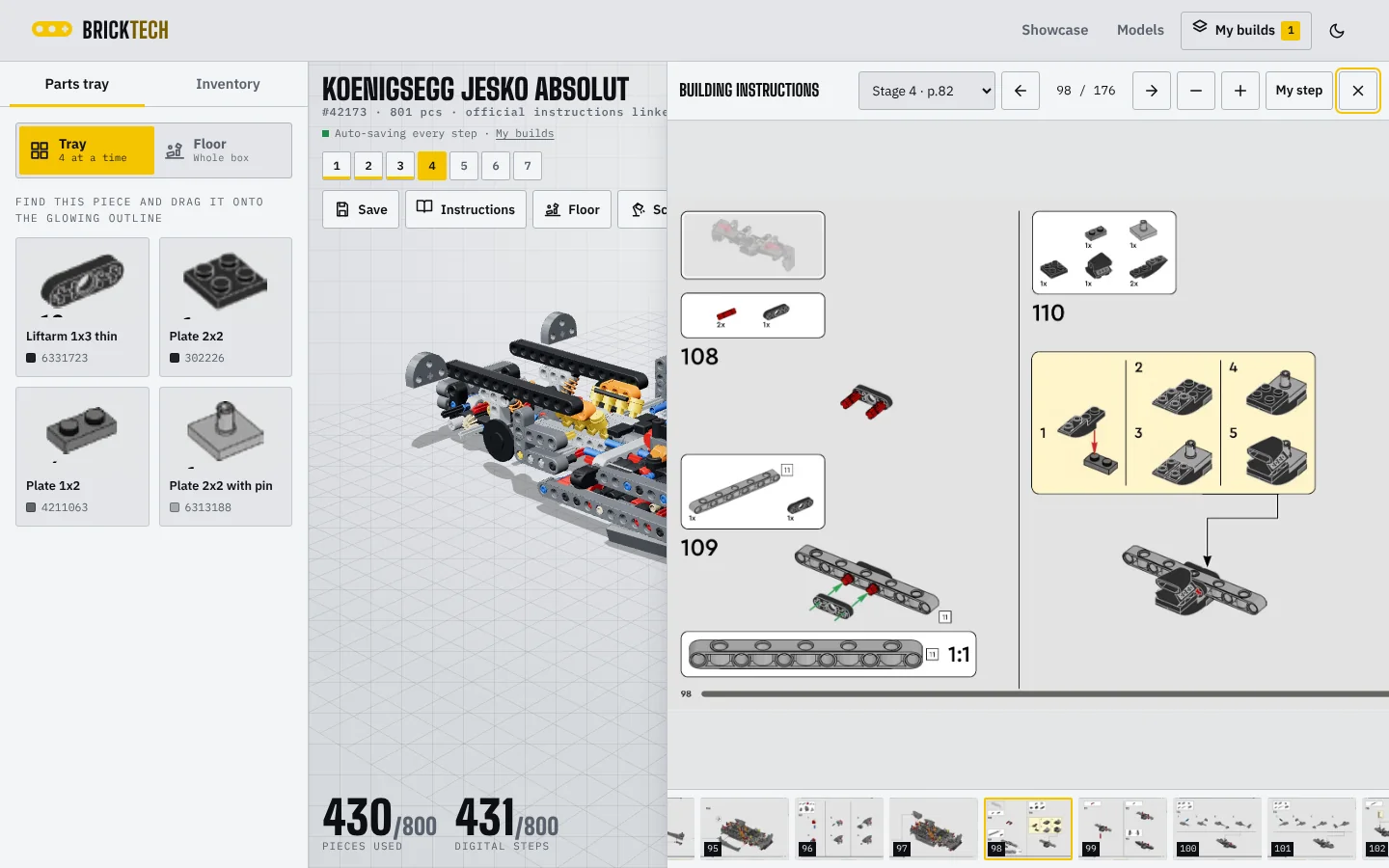
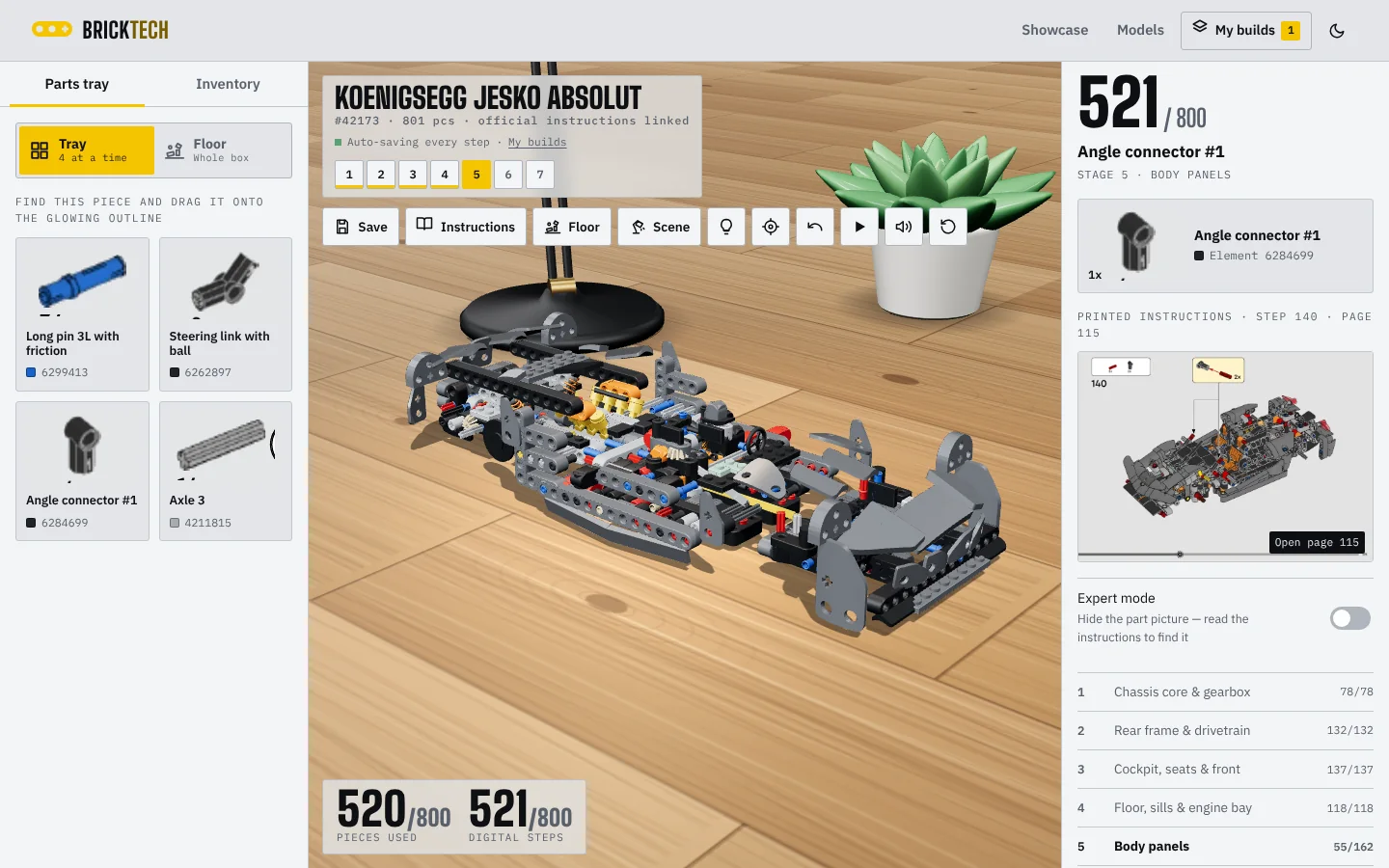
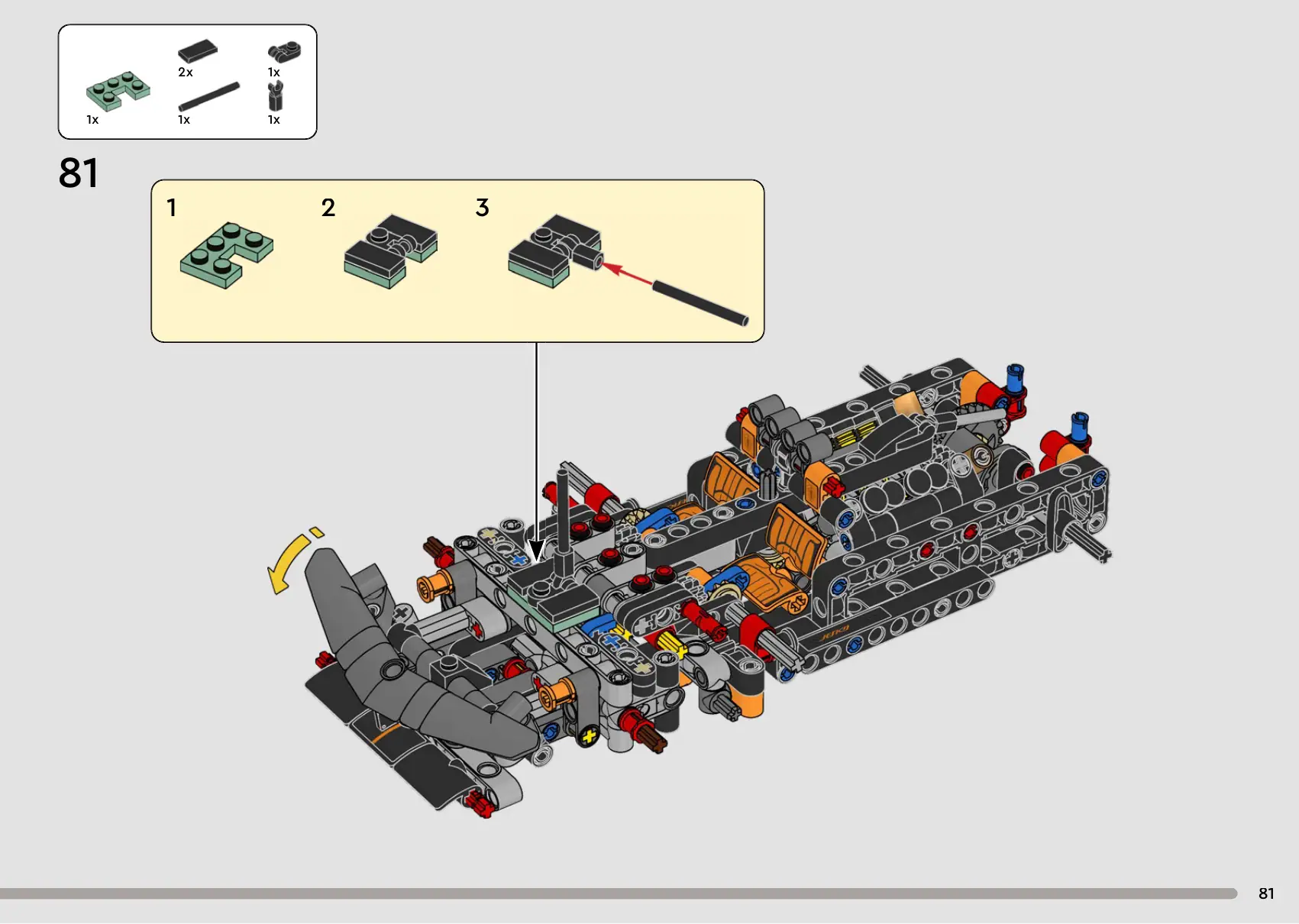
The real instructions, inside the page
Every page of the official booklet sits in a side panel. It follows your build, so it opens on the page for the step you're on — with the whole booklet one thumbnail away.
Build at a desk, on the floor, at the bench
Choose where the model stands: an oak desk with an architect's lamp and a coffee, a rug on the parquet, a workbench with a cutting mat — or the clean studio grid.
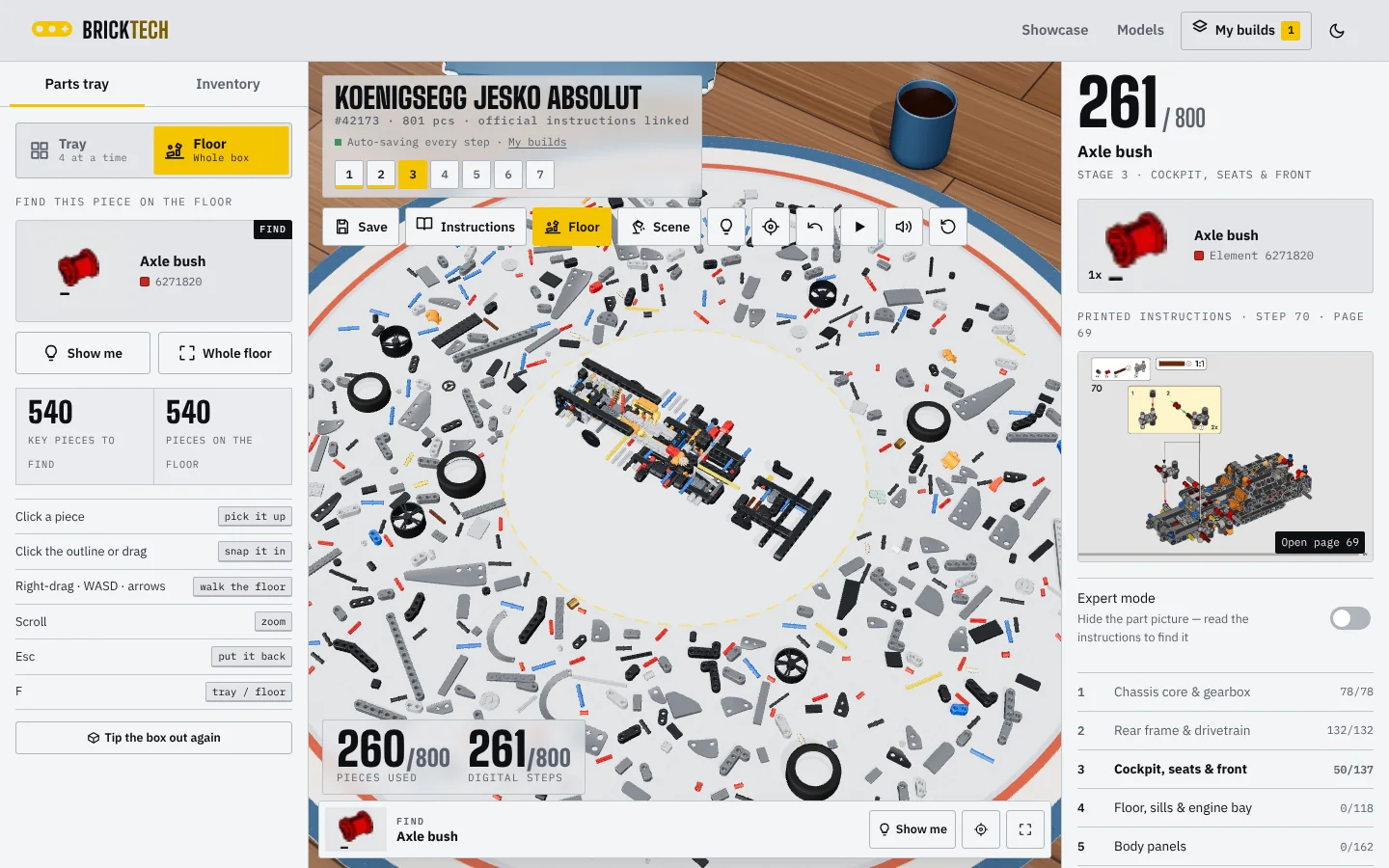
Tip the whole box out
Switch from the tray to the floor and every piece of the set lands on a play mat round the model. Walk round it, find the piece, pick it up and click it in.
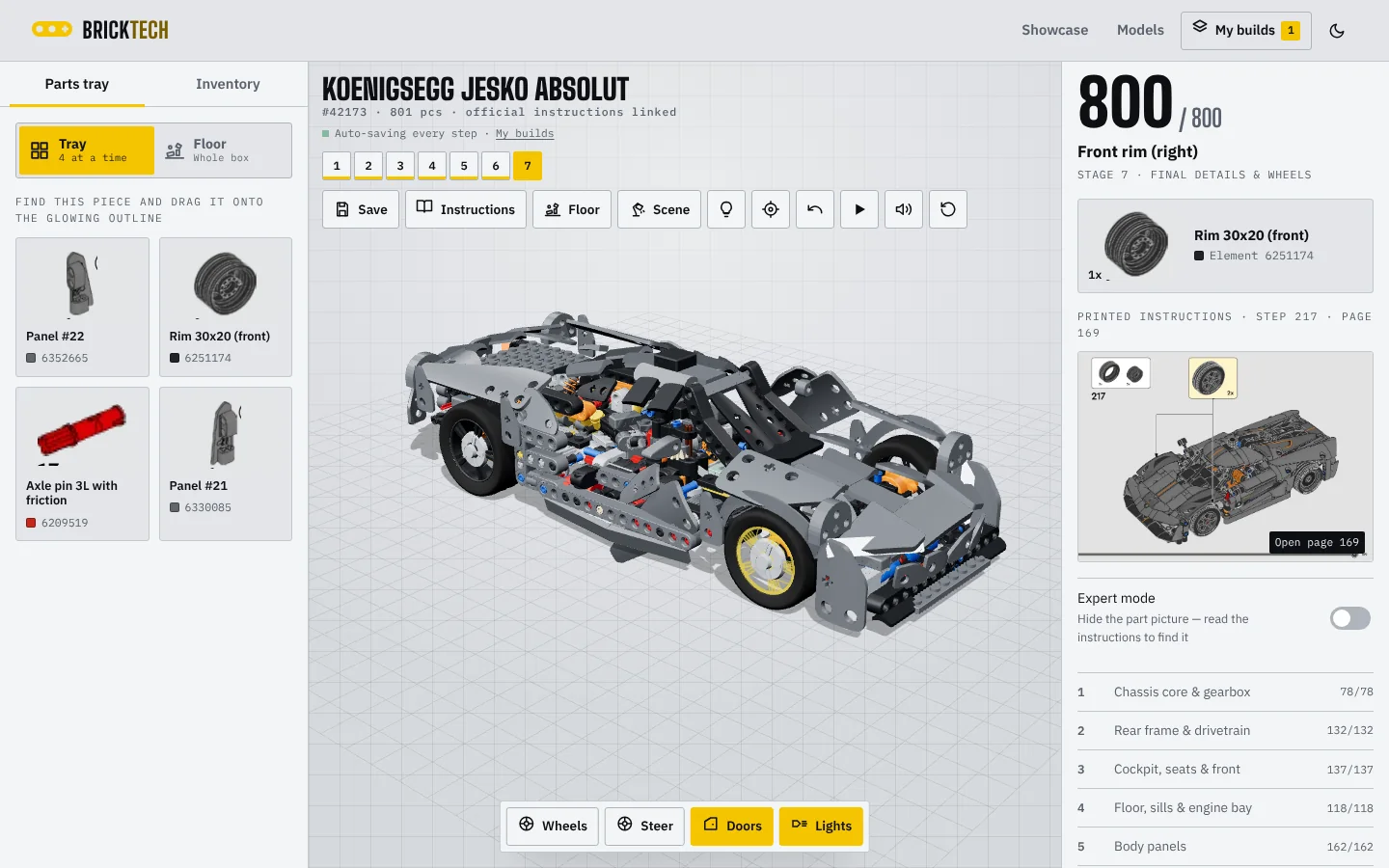
Finish it, then play with it
Place the last piece and the showroom opens: spin the wheels, steer, switch the lights on and swing the doors up. Every step saved itself on the way there.
Parts that look like the parts
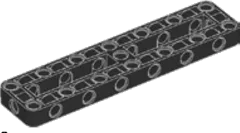
Technic panels are modelled from their printed outlines — pin holes included — so the piece you pick is the piece that lands on the car.
Expert mode
Hide the part pictures and work from the manual only, the way you would at the kitchen table.
Save points and a garage
Press Save to keep a point you can jump back to, and switch between cars from My builds whenever you like.
Next on
the workbench
The portal already lists 28 official Technic sets. Each model joins the builder once its instructions and parts list have been mapped.
Good to
know
Is Axleton made by LEGO?
No. Axleton is an independent fan project. LEGO, Technic, the set names and product images belong to the LEGO Group. For the official sets, head to LEGO.com.
How accurate is the 3D model?
The parts inventories and instruction pages come from the official booklets. Each digital step places a real element, its shape modelled from the parts list. Every official set is a complete build, one piece per move: each piece in the box is its own digital step, placed in the order of the printed callouts — 456 moves on the Ducati, about 800 on the 1:16 cars, 1465 on the Ford GT, and 3696, 3893 and 4106 on the Sián, the McLaren P1 and the Sadair's Spear. The hand-modelled key parts give each model its shape; pins, axles and connectors click into the holes round them, and the printed manual shows exactly where every one goes.
Can I build more than one car at a time?
Yes. Every model you open becomes a build in My builds, with its own progress, save points and history. Switch between them at any moment — nothing is lost.
Do I need to install anything?
No. It runs in any recent version of Chrome, Edge, Safari or Firefox on desktop, tablet or phone. Your builds are saved in your browser.
Can I build it with touch?
Yes. Drag a part card onto the model, or tap the card and then tap the glowing outline (or the “Snap it in” button).